
Set Up Kimia in 10 Minutes: A Simple Walkthrough
Kimia Editorial
Kimia Finance Team
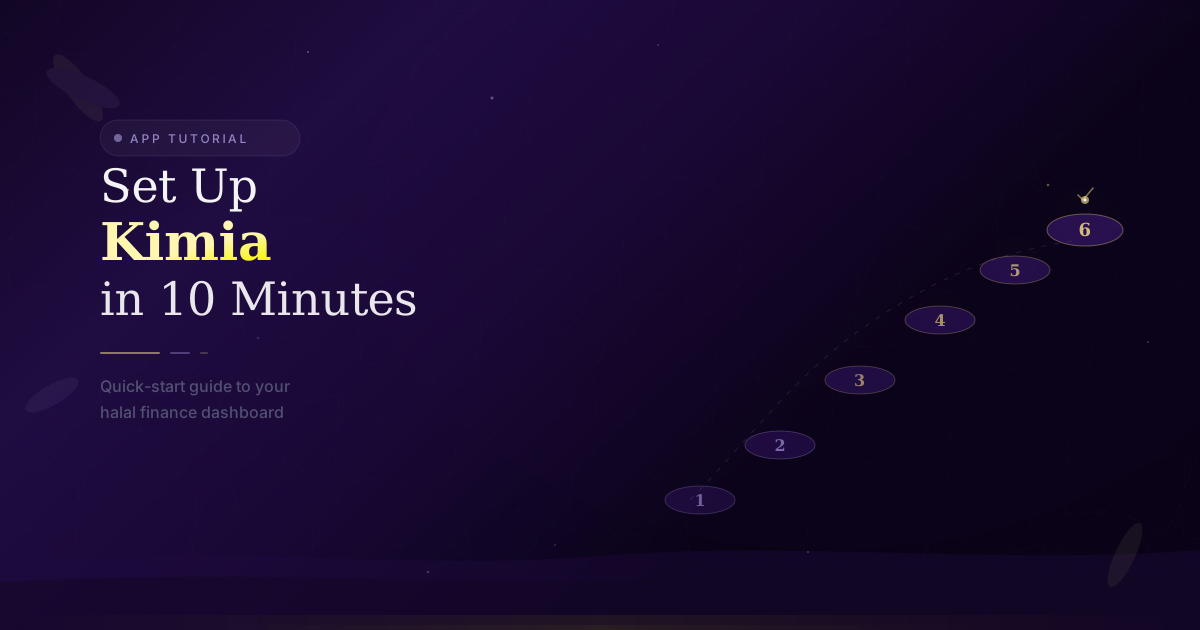
Ten minutes from now, you could have a complete Halal budget, Zakat tracking, and Qard al-Hasana management — all set up and working. No financial expertise required.
We designed Kimia's onboarding to be fast because we know finance apps usually feel like a chore. Here is exactly what each step looks like.
Step 1: Account & Language (~1 minute)
Open Kimia and tap "Get Started." Sign up with your email or phone number. Then choose your language — English, Arabic, Persian (Farsi), or Turkish — with full right-to-left support for Arabic and Persian. Finally, pick your primary currency from 150+ options. You can change any of these later.
Step 2: Pick Your Calendar (~30 seconds)
This small choice makes a big difference. Kimia supports three calendar systems:
- Gregorian: The international standard.
- Hijri (Lunar): Ideal for Zakat anniversaries and Ramadan planning.
- Jalali (Solar): The official calendar of Iran and Afghanistan.
Switching between them later takes one tap — all your dates convert automatically.
Step 3: Connect Your Banks (~2 minutes)
Import your bank transactions via CSV export, or add them manually — it takes about 5 seconds each. Most of your purchases, transfers, and deposits will be categorized automatically by Kimia's smart engine.
Step 4: Review Your Budget Categories (~2 minutes)
Kimia creates default categories based on common Muslim household needs:
- Essentials: Rent, groceries, utilities, transportation
- Sadaqah & Zakat: Charitable giving and obligations
- Family: Education, healthcare, family support
- Savings: Halal investments, emergency fund
- Lifestyle: Dining, personal care, entertainment
These are starting points — rename, add, or remove categories to match your actual life. You can also set spending limits and get alerts before you go over budget.
"You do not need to be a finance expert to budget well. You just need a system that fits your life."
Step 5: Zakat Tracking (~3 minutes)
This is optional but valuable. Enter your Zakatable assets — savings accounts, gold, investments, business inventory. Kimia checks the nisab threshold daily against live gold prices and tracks your holdings throughout the year. When your anniversary date arrives, the number is ready. If you are not sure which assets qualify, the app explains each category as you go.
Step 6: Qard al-Hasana (Optional, ~1 minute)
If you have lent or borrowed money interest-free, you can add those records here. Enter the person's name, amount, and expected repayment. Kimia keeps a shared record and sends you — not the other person — gentle reminders. This step is entirely optional and you can come back to it anytime.
What Happens Next
After setup, Kimia works quietly. It auto-categorizes new transactions, tracks your Zakat obligations, and builds a picture of your spending patterns over time. We suggest checking in once a week for the first month — just to get familiar with your numbers. Most users tell us the "aha moment" comes around week two, when they see their first complete spending breakdown.
If you get stuck at any point, tap the help icon in the bottom corner or reach out to our support team. We are real people and we respond within 24 hours. You can also visit the full Help Center for detailed guides on every feature.
Pro Tips for Getting the Most Out of Kimia
The six-step setup gets you running, but Kimia has a deeper layer of functionality that becomes genuinely useful once you have a few weeks of data. Here are the practices that experienced users rely on most.
Set Up Recurring Transactions
Rent, utility bills, monthly sadaqah commitments, insurance premiums — these are expenses you know are coming. Kimia lets you add them as recurring transactions so they appear in your budget projections before the money actually leaves your account. This one step transforms your budget from a record of the past into a forecast of the future.
To set up a recurring transaction, open any existing transaction, tap "Set as Recurring," and choose the frequency — weekly, monthly, or custom intervals. Kimia will add it to your upcoming expenses automatically and remind you a few days before it is due. For salary income, the same feature works in reverse: your expected income is factored into projections before payday arrives, so you never budget from a false sense of scarcity at the start of a month.
Use Data Import Strategically
Kimia supports CSV import from any bank — download your transaction history from your bank's website and import it in seconds. If a transaction lands in the wrong category, correct it once — Kimia learns from that correction and will categorize similar transactions correctly going forward.
You can also use the quick-add feature: tap the "+" button, enter the amount and merchant name, and confirm. The process takes about 10 seconds. Over time, as you build transaction history, the app's suggestions become more accurate and manual corrections become rare.
Manage Multiple Accounts from One View
Many Muslim households manage several separate accounts for different purposes — a household operating account, a savings account for Hajj or a home down payment, a joint account with a spouse, and perhaps a business account. Kimia supports multiple accounts under a single profile, each with its own balance and transaction history, but all visible in a unified dashboard.
This matters for Zakat calculation especially. When your Zakat anniversary arrives, Kimia draws balances from all connected accounts automatically — you do not have to sum them manually or remember which account you opened six months ago. Each account is clearly labeled and its contribution to your Zakatable wealth is shown separately, so you understand exactly what you owe and why.
Generate and Export Reports
Kimia's reporting feature is one of its most underused capabilities. From the Reports tab, you can generate:
- Monthly spending summaries: A breakdown of every category, compared to your set limits, with a trend line across the past three months.
- Annual Zakat reports: A PDF showing your Zakatable assets by category, liabilities deducted, nisab on your anniversary date, and the exact 2.5% obligation.
- Charitable giving records: A consolidated view of all Sadaqah and Zakat payments, useful for personal accountability or sharing with a spouse.
- Qard al-Hasana statements: A clear record of all active and settled interest-free loans — helpful if you ever need to reconcile a loan with a family member or friend.
All reports can be exported as PDF or CSV. The PDF format is clean and readable — designed to be shared, printed, or saved as an annual financial record. The CSV format is useful if you want to do additional analysis in a spreadsheet or hand it off to an accountant.
Customize Your Dashboard
The Kimia home screen shows your most important numbers at a glance, but what counts as "most important" varies from person to person. You can rearrange dashboard widgets to surface what matters to you: some users want their Zakat countdown front and center; others prioritize their monthly remaining budget; others want to see their Qard al-Hasana balances first.
Tap and hold any widget to enter edit mode, then drag to reorder. You can also hide widgets you do not use — if you have no active loans, there is no need for the Qard al-Hasana tracker to take up space. This small level of customization makes the app feel like it was built specifically for your financial situation, not just for Muslim households in general.
If you get stuck at any point, tap the help icon in the bottom corner or reach out to our support team. We are real people and we respond within 24 hours. You can also visit the full Help Center for detailed guides on every feature.
Pro Tips for New Users
Once your initial setup is complete, a few habits will help you get significantly more value from Kimia from day one. These are the tips that experienced users consistently recommend to newcomers.
Let smart categorization work for you. Kimia's auto-categorization is designed to minimize manual data entry, and it improves with feedback. In the first two weeks, spend two minutes each day reviewing imported transactions. If something is miscategorized, correct it with a tap. Kimia learns from every correction — by week three, most users find that 90% or more of transactions are categorized correctly without any input from them. The more consistent your spending patterns, the faster the system learns.
Set up multiple accounts from the start. If you maintain separate accounts for different purposes — a household account, a savings account earmarked for Hajj, a joint account with your spouse — add them all during setup rather than adding them later. Having complete account visibility from the beginning means your Zakat calculation, your net worth tracking, and your spending summaries are accurate from the first week. Partial data leads to partial insights, and partial insights lead to the same guessing game you were doing before.
Generate your first report early. Do not wait until the end of the month to look at your spending report. Generate one after your first full week. It will not be comprehensive, but it will give you a baseline and help you understand how the reporting interface works before you actually need it for something important — like your first Zakat calculation or your end-of-year financial review. Familiarity with the tool matters as much as the data itself.
Customize your dashboard for your priorities. Kimia's home screen is configurable — you decide which widgets appear and in what order. If Zakat tracking is your primary reason for using the app, put the Zakat countdown widget at the top. If you are working on a specific savings goal, make that progress bar the first thing you see each morning. A dashboard that reflects your actual priorities keeps you engaged with your finances in a meaningful way, rather than presenting you with generic numbers that do not connect to anything you care about.
Beyond the Basics
After the first month, most users discover that Kimia's most powerful features are the ones that operate over longer time horizons. These are the tools that turn a useful budgeting app into a genuine financial planning companion.
Recurring transactions change how you see your budget. The difference between a reactive budget and a proactive one is recurring transactions. When you enter your rent, utilities, monthly sadaqah commitment, and insurance premiums as recurring items, Kimia projects them forward — your budget shows you what is coming before it arrives. This means you never log in to find that a large recurring expense wiped out your available balance unexpectedly. It also means that at any point in the month, your "remaining budget" figure reflects money that is genuinely available, not money that is already spoken for by scheduled expenses.
Budget cycles compound over time. Kimia stores your full transaction history and compares each month's performance against the same month in previous years. After 12 months, you will start to see patterns you could not have identified from memory — seasonal spikes in utility costs, months where food spending predictably rises, quarters where charitable giving clusters. These patterns are not just interesting; they are actionable. When you know that March is historically an expensive month, you can adjust your February savings target accordingly.
Your Zakat anniversary is worth setting carefully. When you enter your Zakat anniversary date in Kimia, the app begins tracking your Zakatable wealth against that specific date each year. If you are unsure of your anniversary date — perhaps you never formally established one — Kimia can help you select one and maintain it consistently going forward. Some users choose to align their Zakat anniversary with the beginning of Ramadan, since many scholars consider Ramadan the preferred time for Zakat payment. Whatever date you choose, setting it once and tracking consistently is far more accurate than trying to reconstruct your asset values from memory each year.
Master Your Money the Halal Way
Get weekly tips on ethical investing and financial purification delivered to your inbox.
Apply What You Learned
Track your finances, manage Qard al-Hasana, and plan your budget with Kimia.
Try Kimia Free